Icons
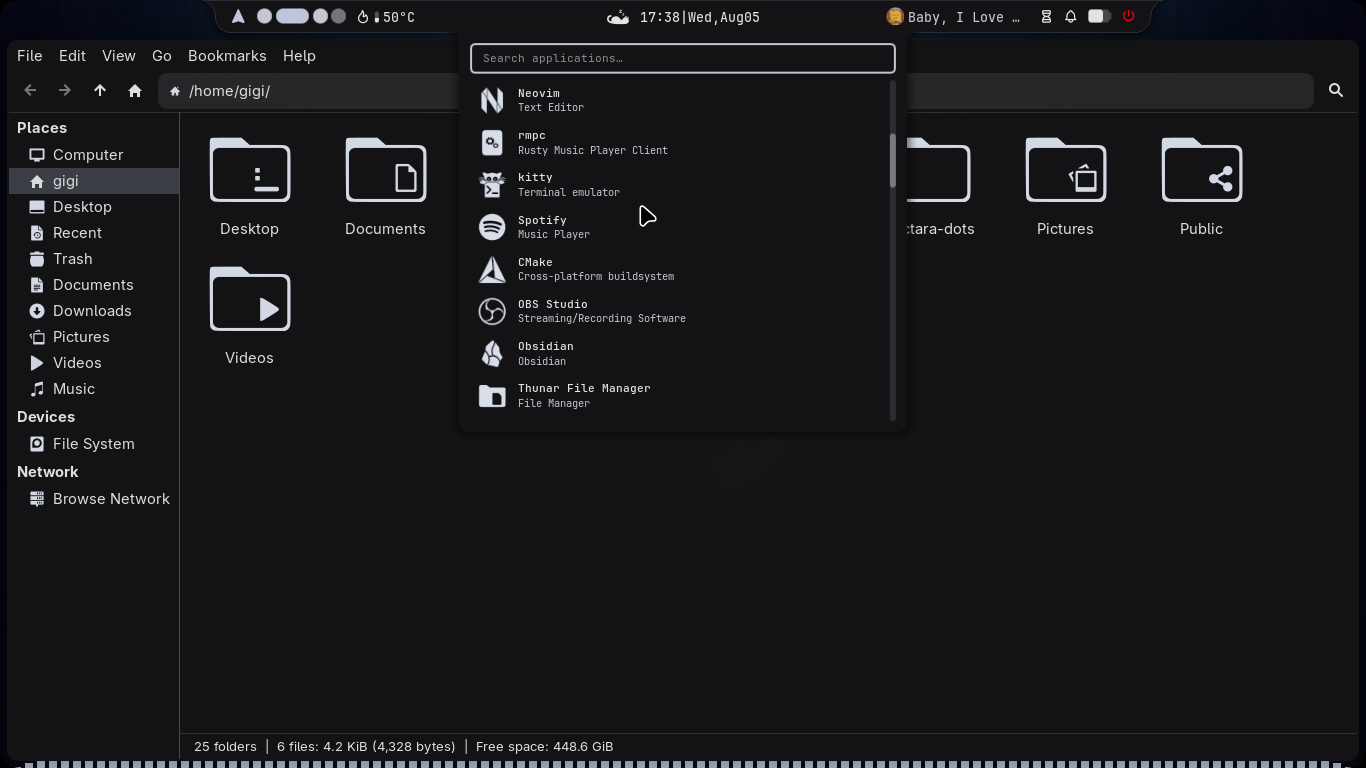
Noctara Dots includes the YAMIS (Yet Another Monochrome Icon Set) icon pack, which is automatically installed alongside the rest of the configuration.
If you'd like your desktop to match the screenshots shown throughout the documentation, it's recommended to use this icon theme.
Preview
The YAMIS icon pack gives applications and folders a clean look while fitting nicely with any wallpaper you use.
Install NWG-Look
The easiest way to manage GTK themes, icons, and cursors on Wayland is with nwg-look.
Install it using:
bash
yay -S nwg-lookApplying the Icon Theme
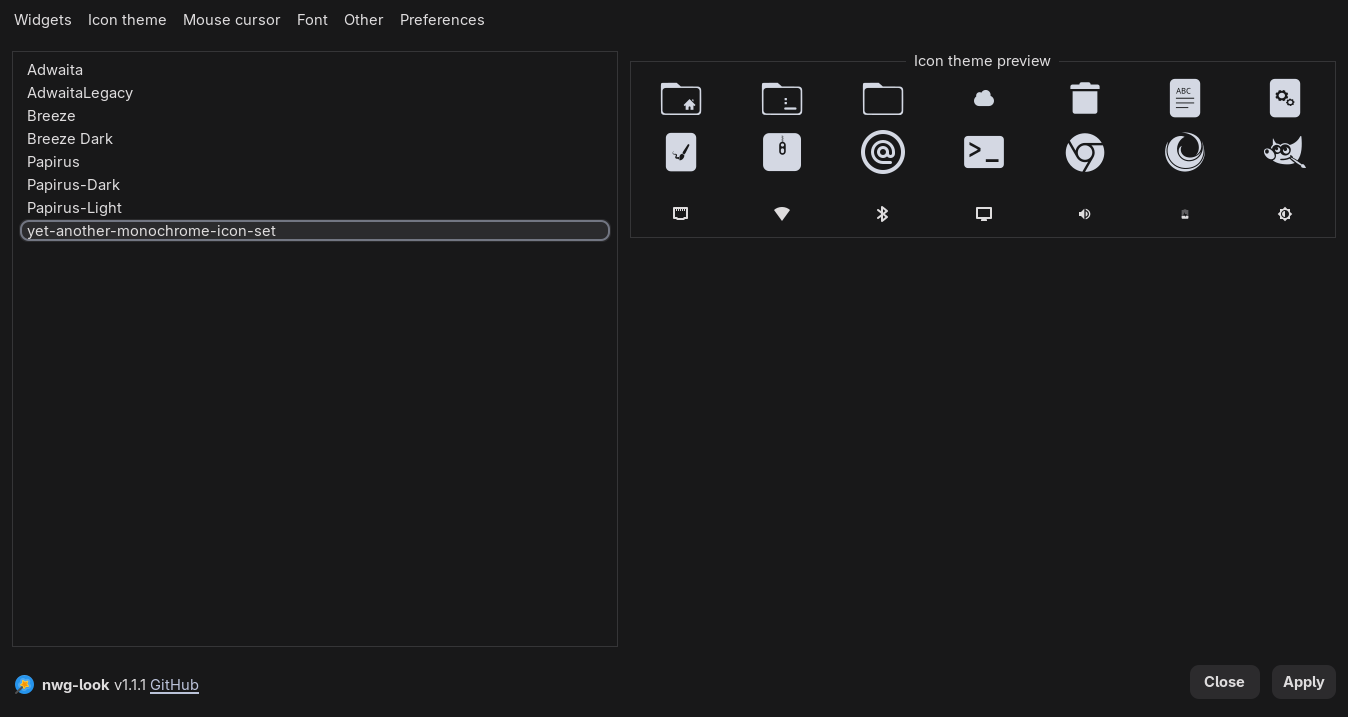
Launch nwg-look.
Open the Icons tab.
Select YAMIS from the list of installed icon themes.
Click Apply.
TIP
While you're in nwg-look, you can also change your GTK theme, cursor theme, and fonts to further personalize your desktop.